
Play Hellsquad Rrrush! on PC or Mac
Download Hellsquad Rrrush! on PC or Mac with MuMuPlayer, get a PC like gameplay along with smart control and high graphics performance.
MuMuPlayer, the top Android emulator for PC and Apple silicon Mac, delivers an optimal gaming experience with minimal RAM usage and high FPS. It also allows you to create multiple instances of the emulator and run several games simultaneously, thanks to its Multi-instance feature. Its advanced emulator features ensure smooth gameplay, even on low-end PCs.
Download and play Hellsquad Rrrush! on PC or Mac with MuMuPlayer and start enjoying your gaming experience now.
The ultimate defense & strategy experience—in hell!

Greedy humans are trying to take over the underworld.
Repel them and bring peace to the demon realm!
Join the forces of hell, and lend a helping hand to the poor little demons trying to defend their home in this casual roguelike defense game!

BEWARE OF ANGRY DEMONS

- Summon cute demon minions and fend off the intruders
- Keep your tower safe from incoming hordes of enemies
- Retake lost treasures from the humans, then use them to upgrade your infernal army
- Unlock ultimate skills as you grow in power
- Strategy, teamwork, and strokes of luck—a unique blend of the three will deliver fun like never before!

The only thing standing between your home and the invaders is hell's mighty fortress wall—you must guard it at all costs.
The fate of your homeworld rests on your shoulders.
Take up arms, rally the demons, and make a united stand against your mortal foes!

Are you ready?
It's time for Hellsquad Rrrush!

■ App Access Permissions
[Optional Access Permissions]
- Notifications: Permissions for sending informational alerts and advertising Push notifications from the app to your phone
※ You can still play the game without agreeing to receive Push notifications. Access permissions can be changed or withdrawn any time.
[Withdrawing Permissions]
- Operating System 6.0 or later: Settings > Applications > Select the app > Permissions > Withdraw permissions
- Operating System before 6.0: Due to the nature of the operating system, permissions cannot be withdrawn. Please delete the app to withdraw permissions
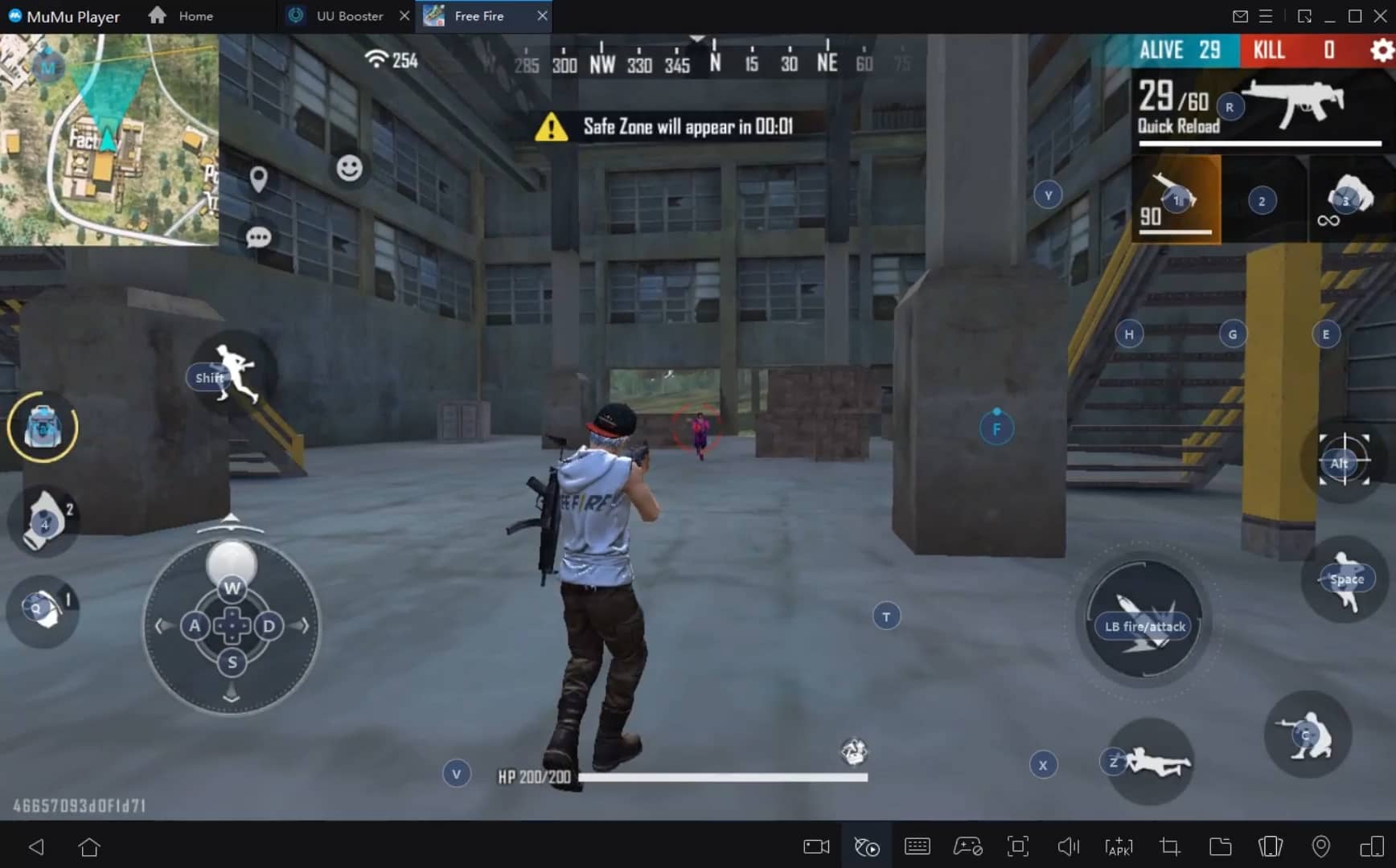
With a smart button scheme and image recognition function, provide a more concise UI, and support custom button mapping to meet different needs.
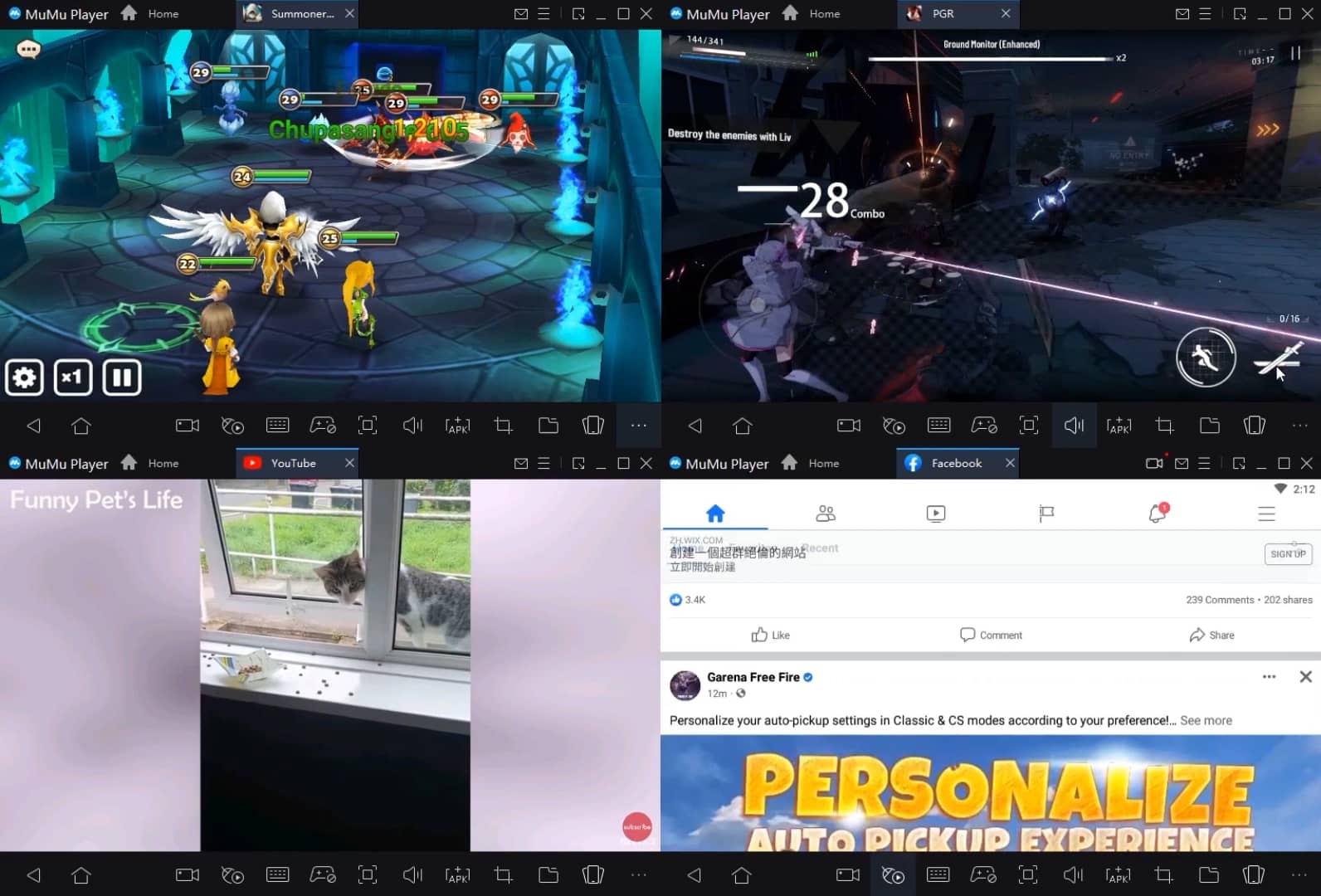
Run multiple games independently at the same time, easily manage multiple accounts, play games while hanging.
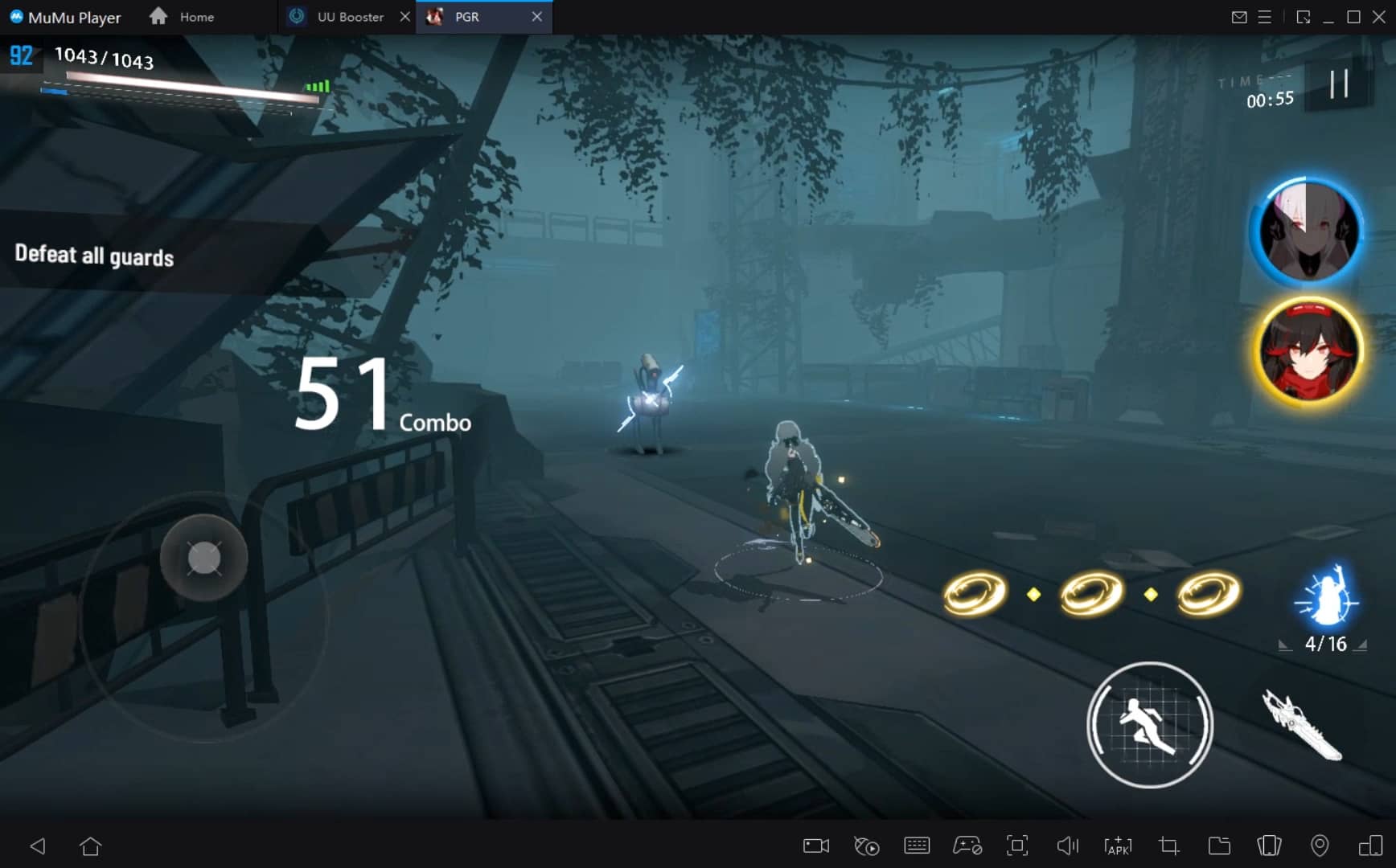
Break through FPS limit, and enjoy a seamless gaming experience without lag and delay!
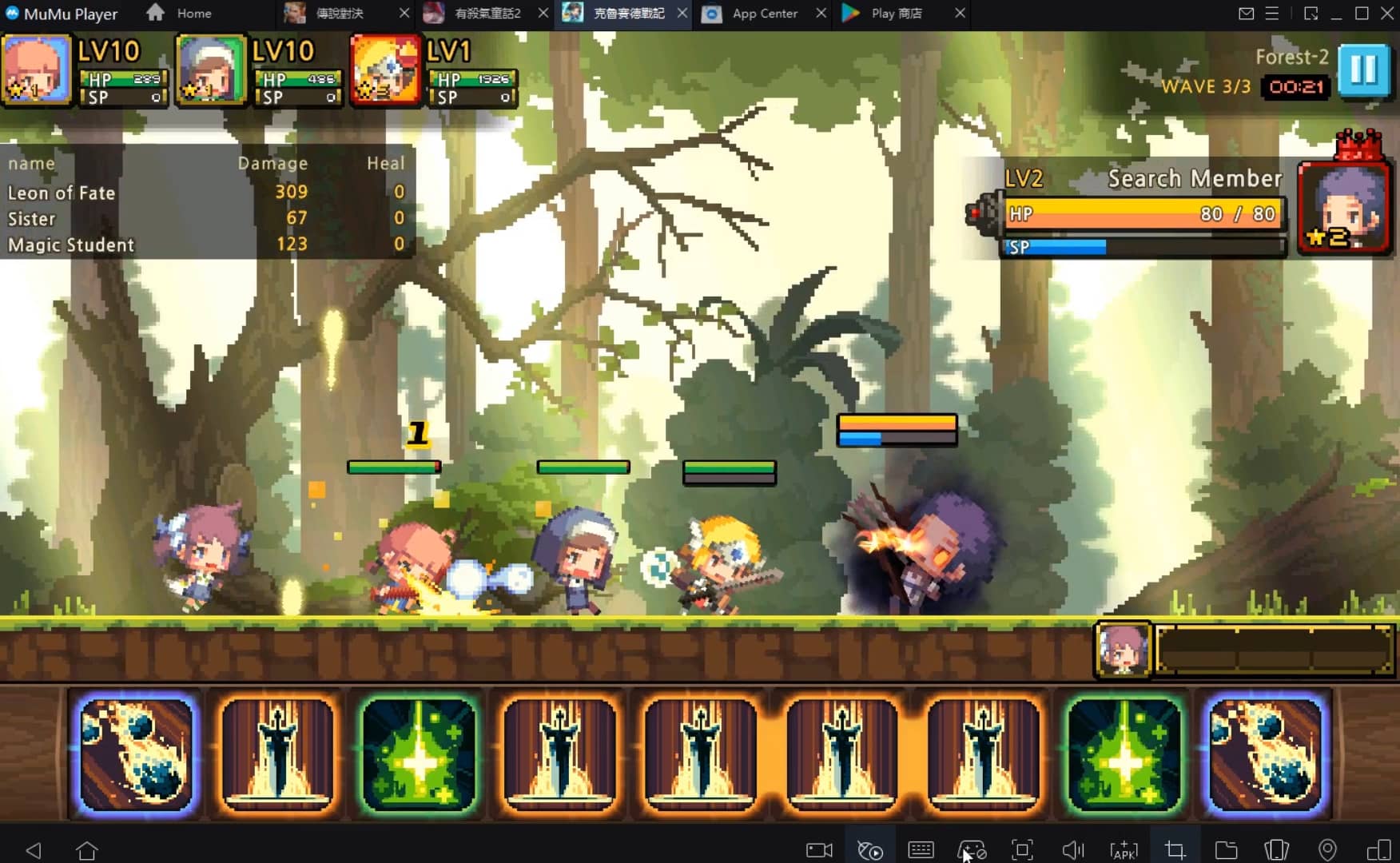
One-time recording of complex operations, just click once to free hands, automatically manage and run specific scripts.
Recommended Configuration for MuMuPlayer
Recommended computer configuration: 4-core CPU, 4GB RAM, i5 operating system, GTX950+ graphics card.
It is recommended to enable VT, which will significantly improve emulator performance, reduce screen freezing, and make games run more smoothly. >>How to enable VT
Recommended performance settings: 2 cores, 2GB. >>How to adjust performance settings
Emulator graphics rendering mode: Vulkan and DirectX both supported.
Installation Guide
① Download and install MuMuPlayer on your PC or Mac. It will identify automatically your current system and download the latest version.
② Start MuMuPlayer and complete Google sign-in to access the Play Store, or do it later.
③ Search Hellsquad Rrrush! in the Play Store.
④ Complete Google sign-in (if you skipped step 2) to install Hellsquad Rrrush!.
⑤ Once installation completes, click the Hellsquad Rrrush! icon on the home page to start the game.
⑥ Enjoy playing Hellsquad Rrrush! on your PC or Mac with MuMuPlayer.

Pokémon Unite 4th Anniversary: An Extravagant Celebration Underway!

Goddess of Victory: NIKKE Summer 2025 Boom the Ghost Update with Haunting New Content

Silver and Blood: Summertime Ensemble Update – Complete Features & Strategy Guide

Silver and Blood: Sirene Best Build Guide for Dominant Teams

Azur Promilia Release Date Reveals: Anticipation Builds as Launch Nears

Riftbusters Release Date Leaks: Prepare for Chaotic Co-Op Action on Mobile

Cookie Run: Kingdom Lemon Cookie Toppings Build Guide – Best Tarts & Beascuit Setup

Mobile Legends x SpongeBob Collaboration: Exciting Details Inside!